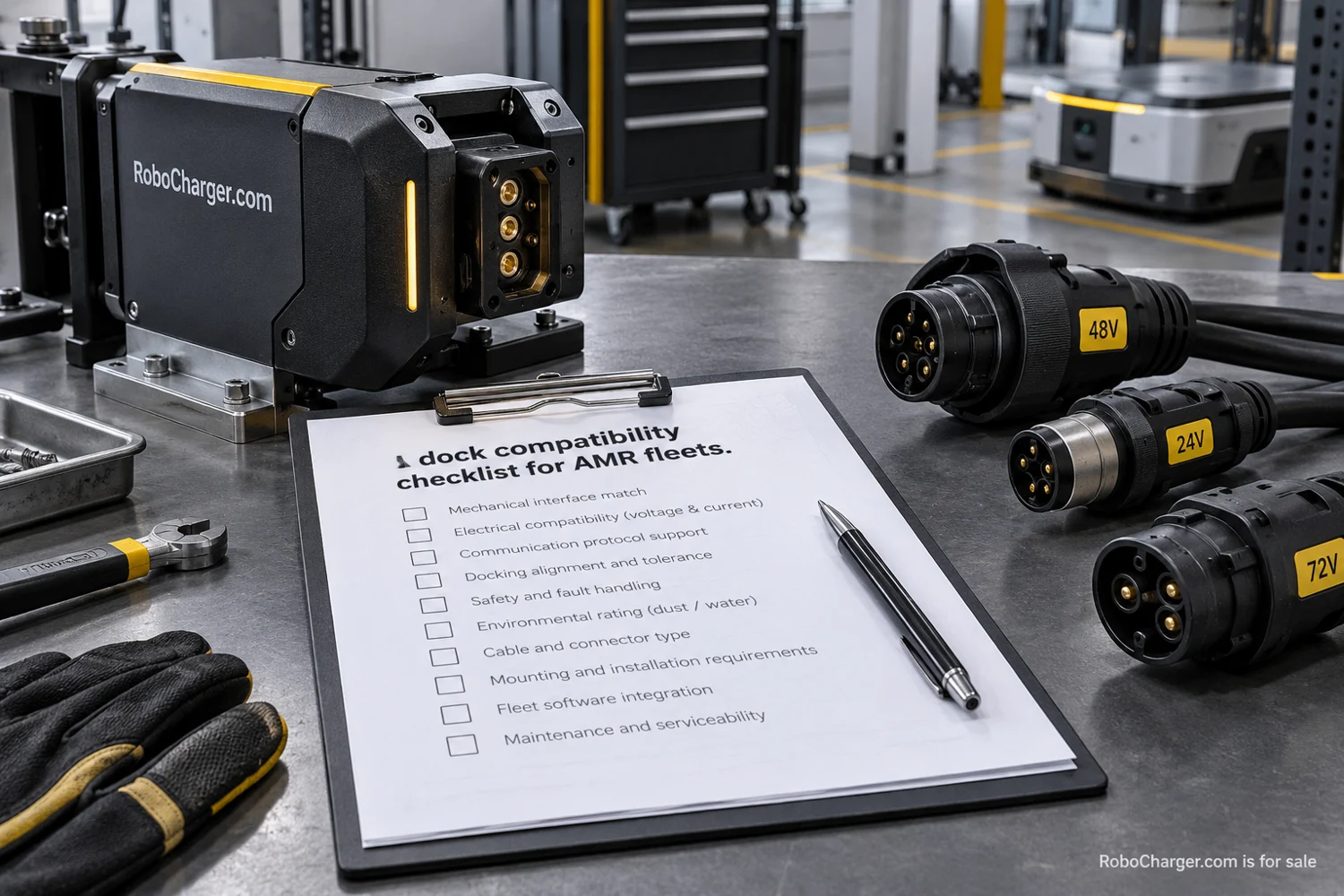
Two docks can look nearly identical and support different robot configurations. Two robots can belong to the same product family and still require different charging arrangements. A useful compatibility review therefore starts with identifiers rather than photographs. The goal is to establish exactly which combination is being proposed and who has evidence that it works.
This checklist is for gathering questions and documents before a purchasing decision. It is not an engineering specification or a substitute for the manufacturer’s instructions. Electrical limits, installation approval, and safety procedures belong with qualified specialists and the equipment suppliers. Procurement can still make their work easier by collecting a complete, consistent record.
Choose one dock SKU and one robot configuration for the first pass. Resist the temptation to mark an entire fleet compatible because one unit charged successfully during a demonstration. A narrow record is easier to verify, maintain, and expand when another configuration is introduced.
1. Identify the equipment precisely
Record the robot manufacturer, model, hardware revision, and relevant software version. Do the same for the dock, power equipment, and any adapter included in the proposal. Ask the supplier to confirm which identifiers determine compatibility. Some labels may be useful for service without changing the supported combination; others may define a different product.
Photograph the readable labels for the project file where permitted. Use those images to check transcription, then put the identifiers in a searchable table. A folder of photographs alone is difficult for a buyer to compare against a quotation. A table without provenance is difficult to verify later.
Add the supplier document title and revision that supports the combination. Record when it was checked and by whom. If the answer arrived in an email, preserve the relevant confirmation with the equipment record rather than leaving it in one person’s inbox.
2. Ask about the physical approach
The connection face is only one part of the mechanical question. Ask what approach path, alignment, clearance, and mounting conditions the supplier requires. A dock shown on an open demonstration floor may need a different review when placed beside storage, a doorway, or another traffic route.
Bring a site plan to the discussion. Mark the proposed dock location, nearby obstacles, and access needed for inspection or replacement. Ask the integrator to identify any measurements still required. A procurement checklist can flag an unresolved measurement without pretending to determine the correct dimension itself.
For an illustrative example, a robot may reach the dock in an empty bay but approach differently when a neighboring area is occupied. The review should include the intended working arrangement, not only the clear-floor demonstration. Record the conditions under which acceptance testing will occur.
3. Collect the electrical requirements
Obtain the manufacturer’s requirements for the robot and the dock configuration. The qualified reviewer should compare the relevant voltage, current, connection, polarity, battery-management, and supply requirements as applicable to that equipment. Do not infer compatibility from a matching connector shape or a similar power rating.
The purchasing record should show that the review occurred and identify the responsible specialist. It should also list any required supplied components. If an approved power unit is part of the combination, ensure it appears in the quotation and bill of materials. A later substitution needs review rather than an assumption that it is equivalent.
When a supplier proposes an adapter, ask for the supported-use documentation for that adapter. Treat it as part of the configuration. A small component between two larger products can still change the scope of the supplier’s compatibility statement.
4. Map the software handshake
Ask what the robot, dock, and fleet manager must communicate before, during, and after charging. Identify how the system reports arrival, connection, charging, completion, and a failed attempt. The exact sequence will depend on the equipment, but the buyer should know which party documents it.
The MassRobotics overview of AMR interoperability is useful background on shared robot information. It should not be treated as blanket proof of dock compatibility. A supplier needs to explain what its specific implementation exchanges and what remains outside that interface.
Request a list of required versions and configuration settings. Ask what happens when a fleet manager or robot software release changes. An integration that works today still needs a maintenance policy, including a way to test relevant updates before relying on them during a shift.
5. Assign the installation and safety review
Write down who approves the location, performs installation, commissions the combination, and trains operators. These may be different organizations. The purpose of the checklist is to expose a missing owner before the equipment arrives, rather than to collapse every responsibility into the word installer.
Ask for the applicable manufacturer instructions and the site’s required review process. Record any approval dependencies in the schedule. A purchase date is not an installation approval, and a delivery receipt is not a completed handover. Keep those milestones distinct in the project record.
Review access for authorized maintenance as part of the location discussion. The day-to-day traffic plan and the service procedure need to coexist. The people performing that work should have the opportunity to review the proposed arrangement before the final location is committed.
6. Define the acceptance evidence
Create a short table that connects each question to the evidence needed and its owner. It should be possible to see what remains unknown without reading the entire project history.
| Review area | Evidence to request | Record owner |
|---|---|---|
| Equipment identity | Exact model and revision list | Purchasing lead |
| Installation fit | Reviewed site drawing and requirements | Integrator |
| Electrical match | Supplier documents and qualified review | Assigned specialist |
| Communication | Supported versions and event sequence | Integration lead |
| Handover | Agreed tests and operator instructions | Site owner |
The public MassRobotics interoperability repository illustrates why versioned interface material is more useful than a general claim. For the purchased equipment, obtain the actual documents and test scope the supplier relies on.
7. Test recovery and changes
Acceptance should cover the agreed normal sequence and supplier-approved exception cases. Ask how the system identifies an unavailable dock, interrupted communication, or an unsuccessful approach. Record who receives the alert and what procedure they follow. A successful charging session alone does not explain the operating handoff.
Use the completed record when changes occur. A new robot revision, replacement power component, relocated dock, or software update can trigger a fresh review of the relevant part. The original checklist then becomes a maintained configuration record instead of a document filed away after purchase.
Start by auditing one installed or proposed dock against these questions. Mark each item confirmed, unresolved, or outside the proposed scope, with a named owner for unresolved work. That gives procurement, engineering, and operations a shared picture of what compatible actually means for that one combination.